

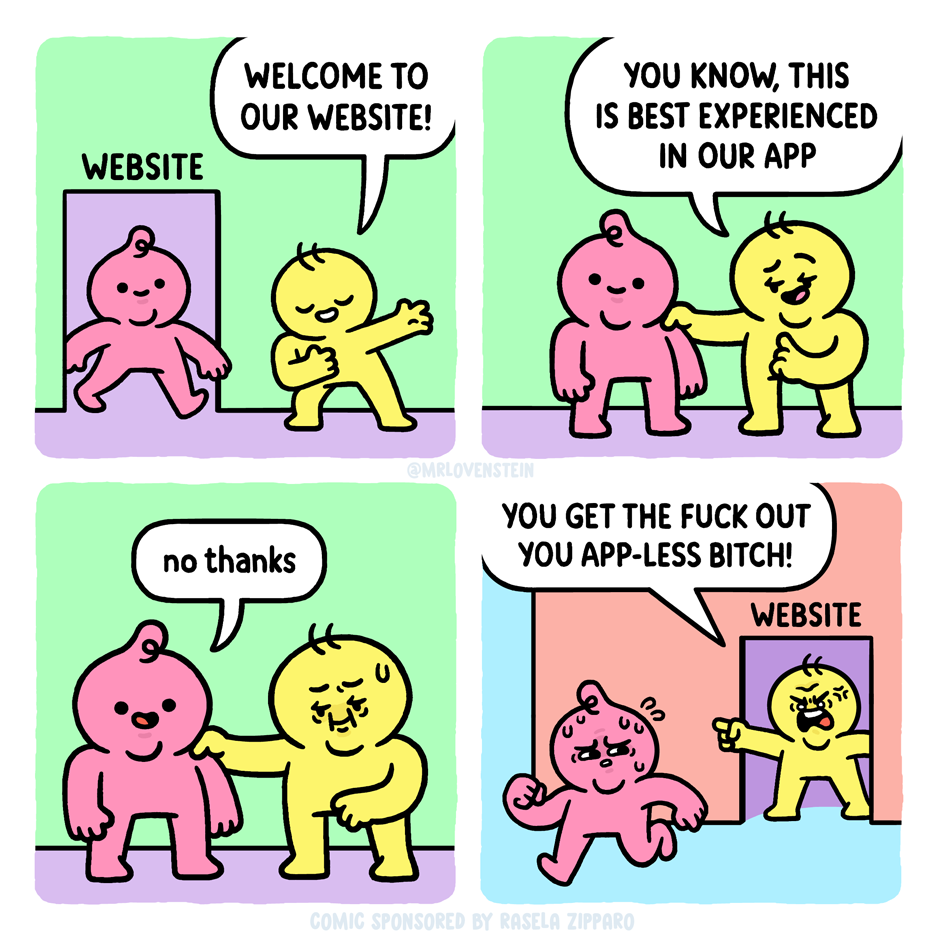
cross-posted from: https://piefed.social/c/mrlovenstein/p/1386847/apprehension
cross-posted from: https://crust.piefed.social/c/comicstrips@lemmy.world/p/58758/apprehension
cross-posted from: https://piefed.social/c/mrlovenstein/p/1386847/apprehension
cross-posted from: https://crust.piefed.social/c/comicstrips@lemmy.world/p/58758/apprehension
There’s one reason I don’t use LibreOffice word processor on Linux, and that’s because it uses a mobile scrollbar, which is incredibly frustrating if your doc is more than a few pages, and completely unusable with, say, a multi chapter story. Just released a major UI update, still unusable, because they won’t put buttons on their fucking scrollbar in app literally designed around scrolling. Fuck you, Libre.
I hope Calligra, Collabora, CryptPad, NextCloud Office, OnlyOffice (uses Microsoft formats -_-) or OpenOffice (LibreOffice’s origin, reportedly even worse/older UI) are suitable alternatives! Note that not all of them have apps on mobile in case you value cross-platform usage, and NextCloud and CryptPad are web-based only. Other than that all are great on Linux.
I use OpenOffice. The UI seems fine, to me. Plus they had the Header navigation panel before Libre, which is handy for jumping between chapters.
And they’re not worried about taking that extra 5 precious pixels off the side of a desktop application to scroll with. Not sure how they’ve managed to spare that space, but the devs are obviously Tetris prodigies or something.