Then you can generate a password so big and complex, the site or app starts begging you to stop. At that moment, you can say “ur password system is weak.”
Careful with that. Sometimes a site will allow you to use some stupid long password when you sign up, but then it turns out that some other version of the site or an app for it on other platforms won’t accept a password that long!
My e-mail provider does this. I wanted to change my password to some 64 character long generated string. It accepted, but I could not log in after that. After a few tries, I found the reason and, after another few tries, also the limit at which it gets truncated: 16 characters! God, how I hate them for this…
Perhaps even worse than this is when the hash allows you to enter what you think is your full password, but as long as the first characters are a match then it will succeed.
16 characters is probably fine as far as passwords go, but if the site is secretly truncating from 16 down to, say, 7 and still allows you to sign in, you don’t even realize that your password isn’t nearly as secure as you thought it was.
It’s not a service you’re paying for. It is just a password manager.
Though tbh, I don’t know all of bitwardens spesific details.
It’s at least open source, but can you have your passwords stored anywhere other than their servers? What if the company changes path - can you just use another fork or are you stuck.
Bitwarden is self-hostable and foss, with some unofficial software already out there. Not much opportunity for the company to entrap customers if it went evil.
IMO, for most people it’s best to just send them to register at bitwarden. It’s less hassle so they might actually follow through, while being infinitely better than what they were doing before.
Or just use the built in password managers in chrome or Firefox. No need to pay for a password manager when they are free on the browsers most people already use


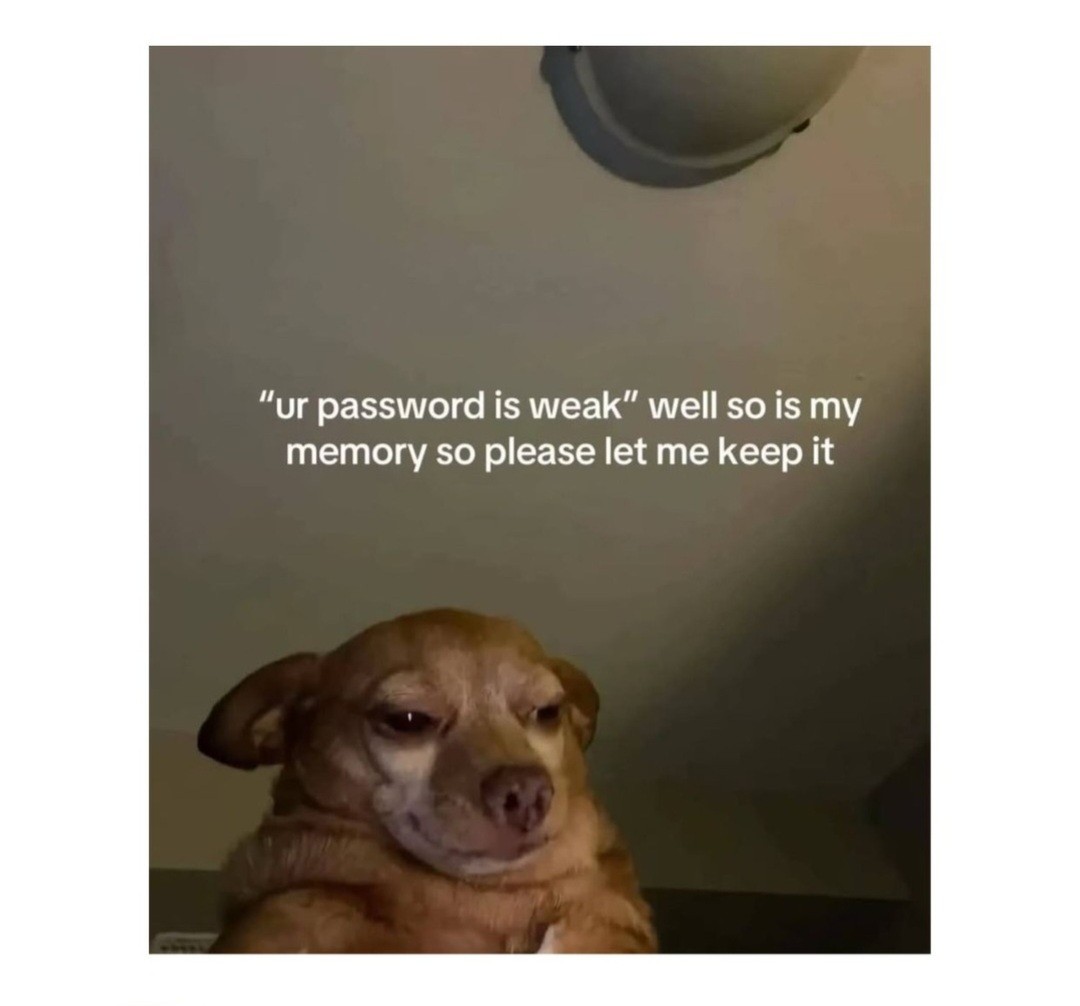
Do yourself a favor and go to https://bitwarden.com/
Then you can generate a password so big and complex, the site or app starts begging you to stop. At that moment, you can say “ur password system is weak.”
Careful with that. Sometimes a site will allow you to use some stupid long password when you sign up, but then it turns out that some other version of the site or an app for it on other platforms won’t accept a password that long!
That’s okay, I just want to hear “it’s too big”
I mentioned lemmy passwords in the other reply. Guess how I found out
Or alternatively, it allows you to enter a password as long as you like, but on their end it gets truncated.
My e-mail provider does this. I wanted to change my password to some 64 character long generated string. It accepted, but I could not log in after that. After a few tries, I found the reason and, after another few tries, also the limit at which it gets truncated: 16 characters! God, how I hate them for this…
Perhaps even worse than this is when the hash allows you to enter what you think is your full password, but as long as the first characters are a match then it will succeed.
16 characters is probably fine as far as passwords go, but if the site is secretly truncating from 16 down to, say, 7 and still allows you to sign in, you don’t even realize that your password isn’t nearly as secure as you thought it was.
In lemmy, password length is capped to 60. Weak.
Almost, but KeepassDX is better 😎
Why?
It’s not a service you’re paying for. It is just a password manager.
Though tbh, I don’t know all of bitwardens spesific details.
It’s at least open source, but can you have your passwords stored anywhere other than their servers? What if the company changes path - can you just use another fork or are you stuck.
Bitwarden is self-hostable and foss, with some unofficial software already out there. Not much opportunity for the company to entrap customers if it went evil.
IMO, for most people it’s best to just send them to register at bitwarden. It’s less hassle so they might actually follow through, while being infinitely better than what they were doing before.
KeePass and literally any of it’s derivatives. Not just DX.
I use Keepass2Android, KeePass XC, Keepassium, and the OG KeePass.
They are all solId.
Or just use the built in password managers in chrome or Firefox. No need to pay for a password manager when they are free on the browsers most people already use
I didn’t say anything about paying. It’s free in both meanings of the word.
It’s also cross-platform and -browser and better than builtin ones.
I wouldn’t recommend that. Bitwarden is free and works on any device, and doesn’t tie you to a browser. What if you want to switch browsers someday?
Same as wanting to switch password managers some day. Firefox has been the most consistent thing in my life.
Sadly they are putting ‘AI’ bullshit into it now: https://bitwarden.com/blog/bitwarden-mcp-server/
Arghh, why is every company thinking, that AI will make them valuable…
Yeah a definite nope, for what reason do I use bitwarden? So that exactly this doesn’t happen…
Anyway vaultwarden is what I’m using, much more performant and self-contained, compatible to bitwarden (but you need to host it, obviously)…